
Kakobuy sign-up offers, sorted by the date each one was made
On 10 October 2026 the operator showed new users two different figures and one quota offer across four pages. Put in date order, the disagreement explains itself.
The sequence at a glance

| Date | Where | What it says | Status on 10 October 2026 |
|---|---|---|---|
| Feb 2024 | Home page ticker, seen in an operator tutorial image | "New users sign up and get $105 coupons!" | Superseded; figure survives on two pages |
| 2024-09-22 | Announcement, still in the list | "New users sign up and get ¥3000 (≈$410) coupons!" | No end date; matches the sign-up page |
| 2026-02-01 | Home banner upload folder | "register to 3000" | Undated banner, consistent with the notice |
| not dated | Home card and promote badge | "$105" | Leftover copy, no notice behind it |
| not dated | Promote page banner | 100 yuan freight coupon, 200 winners, new users only | Quota only; cannot be dated |
Read top to bottom, this is one offer that changed once and was never cleaned up. In early 2024 the ticker promised $105. On 22 September 2024 a dated notice raised it to ¥3000, about $410. The registration page and a February 2026 banner follow the newer figure. Two design elements, a home page card and a promote page badge, kept the old one.
The dated notice of 22 September 2024
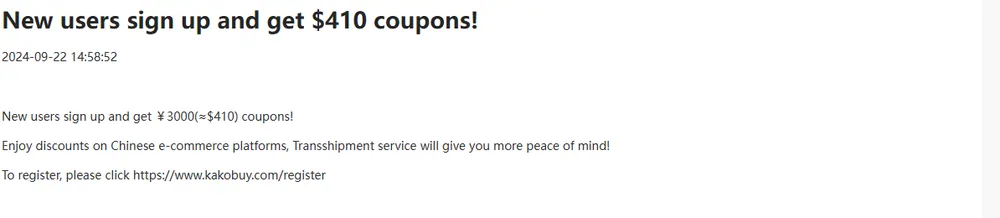
The notice is short: new users sign up and get ¥3000, approximately $410, in coupons, followed by a registration link. No end date, no conditions, no breakdown. It is the oldest of the five entries in the October 2026 list and the only one from 2024.
Two things are worth knowing. First, "¥3000 in coupons" is a face value summed across many coupons, each usable only above a minimum spend; it is not ¥3000 off your first order. The structure of those coupons is outside this page's scope and changes over time. Second, the dollar figure is a conversion made in 2024. At a different exchange rate the same ¥3000 reads differently, which is one more reason to quote the yuan amount.
The registration page agrees with the notice
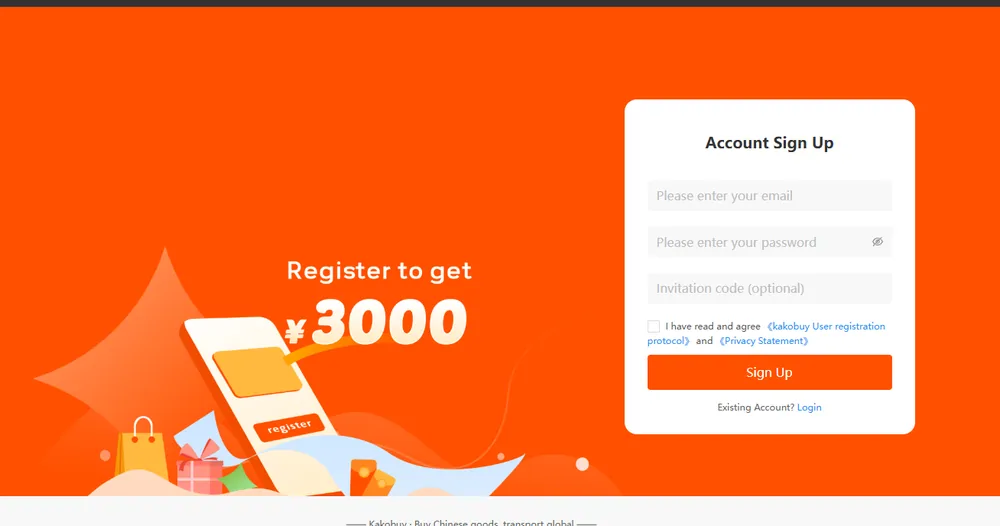
The page where you actually create an account says "Register to get ¥3000" next to the form. Of all the places that state the offer, this is the one closest to the transaction, so we treat it as the operator's current figure, together with the dated notice it matches.
The form has an optional invitation code field. If you arrive through a referral link, that field fills in and locks. It does not change the new-user offer; it records who referred you, which matters for the referral program windows in the festival notice.
Once registered, the coupons appear in your account. Each one shows its own validity at checkout. That timestamp, not the 2024 notice, is the date that governs a coupon you hold.
The $105 card that outlived its offer

Below the home page hero, the third card says "NEWCOMERS SIGN UP TO GET $105 SUPER GIFT PARCEL!". The promote page carries a "$105" badge and a button reading "Sign up to get $105 coupon". Neither has a date. The tutorial image above shows the same $105 in the ticker in February 2024, before the September 2024 notice.
We do not claim to know why the card was never updated. What we can say is how it expires: it does not. Undated copy stays until someone redesigns the page. So we never quote $105 as an offer. If you see it, read it as a picture of how the site looked in early 2024.
The promote page: a quota code, a second figure, a different storage claim
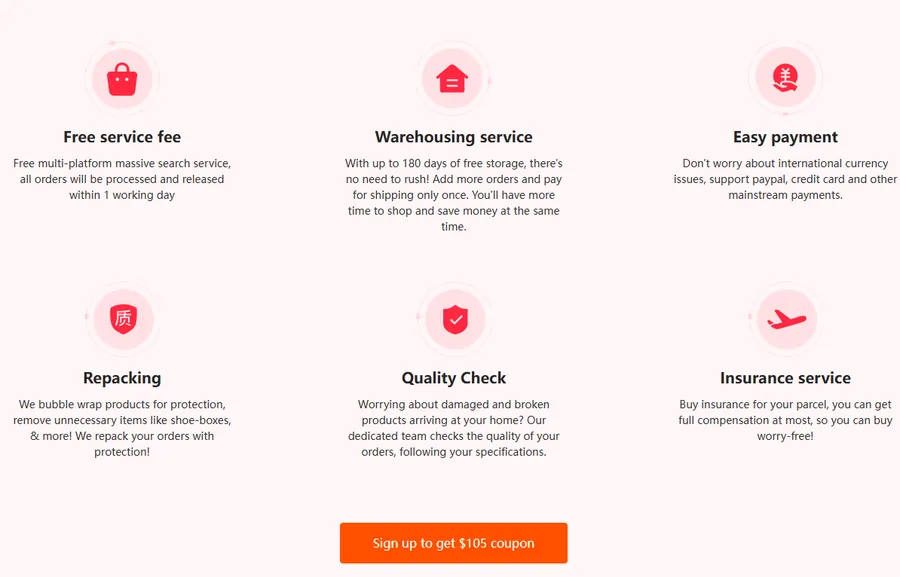
The promote page also offers a 100 yuan freight coupon with no minimum spend for 200 winners, newly registered users only, with a code in its banner. No dates. It ends when the quota does, and you cannot see the quota.
Lower down, the same page lists "up to 180 days of free storage". The help centre storage article says 100 days for normal parcels and 60 days for abnormal ones. The help article is the operative rule and the one we use; the promote page is marketing with no date.
A page with a quota code, a stale badge and a storage figure that disagrees with the help centre is a page to read for clues, not for terms.
Where the real date of a coupon lives
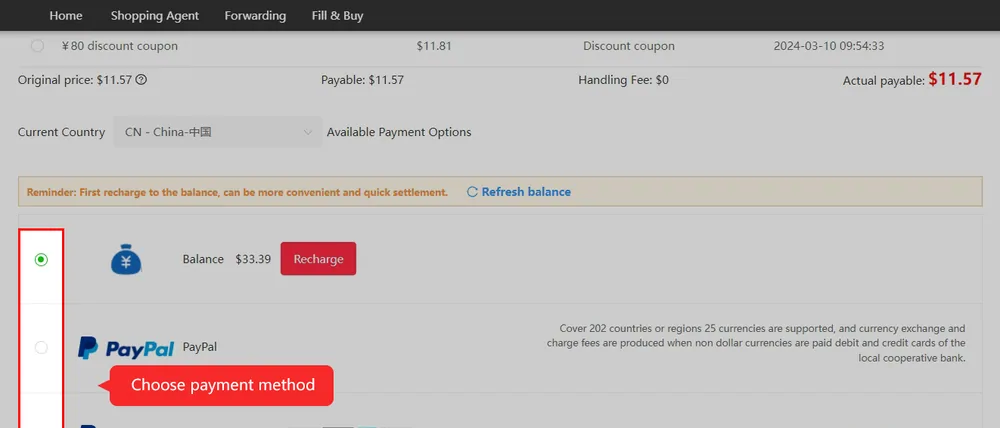
Every notice on this page talks about coupons in general. The coupons in your account are specific, and Kakobuy's checkout lists each with its own timestamp, as in this operator tutorial image where an ¥80 coupon row shows 2024-03-10 09:54:33.
That timestamp is the one to read before you plan a parcel around a coupon. If it is a use-by date and it falls before your goods reach the warehouse, the coupon will not help this order however generous the notice sounded. If you are unsure what a timestamp means on your own coupon, the coupon list in User Center is the place to check, and support can confirm it.
Your next check
Judge the usable discount
Open the actual issued coupons and note thresholds, eligible routes and expiry timestamps. A large bundle total is not cash, and a registration banner does not show how much your own parcel can save.
Eight-step ordering guide · Date checker
The coupon is in your wallet but cannot be selected
Read the specific coupon’s terms beside the parcel you are preparing. Check its expiry and time zone, the eligible shipping service, the spending threshold and any combination rule. The amount used for a threshold may differ from the entire amount due; use the definition printed for that coupon instead of counting every charge yourself.
Compare the final payable total with and without the eligible coupon on an otherwise suitable route. Adding unnecessary goods or selecting an unsuitable line merely to unlock a discount can raise the overall bill. If the screen gives no reason for refusal, send support the coupon identifier, parcel number and displayed message; do not send account passwords.