
Kakobuy Spreadsheet · Event calendar
Kakobuy Spreadsheet.
Finds. Deals. Dates.
Browse the spreadsheet, then check the dates that matter before you pay. A festival deadline, a coupon expiry and your warehouse clock are three different things.
Start with the item
Full spreadsheet guide →
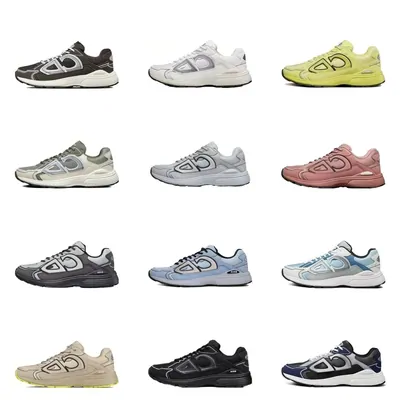




Category images illustrate the shelf. Open a listing to check seller, variant, availability and current price.
The notice desk
Read the year.
Then the small print.
Archive checked 10 October 2026. These dated notices explain the published terms; they do not confirm a live discount for your account.
Try the date checker →The buying service
What does Kakobuy do?
Kakobuy is a shopping agent: it helps purchase goods from Chinese marketplaces, receives them at its warehouse, provides inspection photos and arranges international shipment. You pay for goods and domestic delivery first, then international freight later.
The discovery layer
What is the Spreadsheet?
The Kakobuy spreadsheet is a catalogue of product links grouped by category. It helps you find a starting point; a listing still needs its own seller, sizing, QC and shipping checks. Why this spreadsheet guide? Its category directory leads into a dated promotion archive, helping you check whether the terms fit the payment you are about to make.
Before either payment
A useful offer should fit the order.
Why use an agent? Consolidation and warehouse inspection can help with multi-seller orders. Why use a spreadsheet? It reduces discovery work. Neither makes a coupon worth chasing if the final price, shipping restrictions or timing do not suit you.